Guide
CAPTOKTOK · Updated 2026-10-30
Everything CAPTOKTOK does, explained in full: where tickets come from, how FEVER builds and fades, what decides a draw, and how your boards and progress are kept.
Tickets
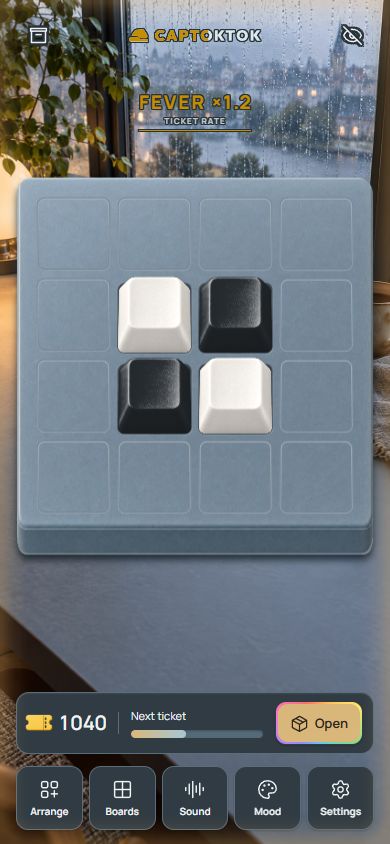
Every tap or swipe on the board fills the bar under it. Your first ticket comes after 50 taps, the next few come quickly to get your collection going, and after that each ticket takes a few hundred taps.
Tickets keep. They do not expire, there is no daily limit, and nothing drains while you are away. The count sits beside the bar, and Open spends one. When you have none, Open turns grey until the bar fills again.
FEVER
Keep playing without long pauses and FEVER builds. The logo at the top fills like a gauge, and every 6 seconds of steady play it climbs a stage, so after 60 seconds you reach the top stage. Each stage makes the taps you play count for more toward the next ticket. Lifting your finger between swipes is fine: a gap of up to 2 seconds still counts as steady play.
| Stage | Ticket rate | Holds after you stop |
|---|---|---|
| 1 | 1.1× | 5.0 s |
| 2 | 1.2× | 4.6 s |
| 3 | 1.3× | 4.2 s |
| 4 | 1.4× | 3.8 s |
| 5 | 1.5× | 3.5 s |
| 6 | 1.6× | 3.2 s |
| 7 | 1.7× | 2.9 s |
| 8 | 1.8× | 2.6 s |
| 9 | 1.9× | 2.3 s |
| 10 | 2.0× | 2.0 s |
When you stop, the stage you reached holds for a moment and then steps down one at a time. Higher stages fade sooner, so the top stage asks for the steadiest play. The glow around the screen dims and flickers just before a stage drops. FEVER only changes how fast tickets come: it never changes what a draw can bring, and nothing is lost when it fades.
Drawing keycaps
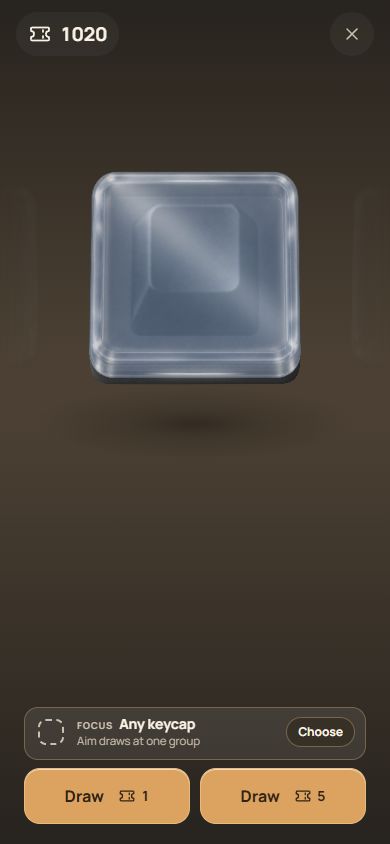
Each ticket opens one keycap. A rarity is chosen first with fixed chances, then one keycap of that rarity, all equally likely. Duplicates are kept: a second copy of a keycap lets you put it on the board twice.
If 59 draws in a row bring nothing Epic or better, the 60th is Epic or better. With a focus family set, at least a quarter of the draws in a rarity that family has come from it, and a keycap from it you do not own yet arrives within 50 draws.
Boards
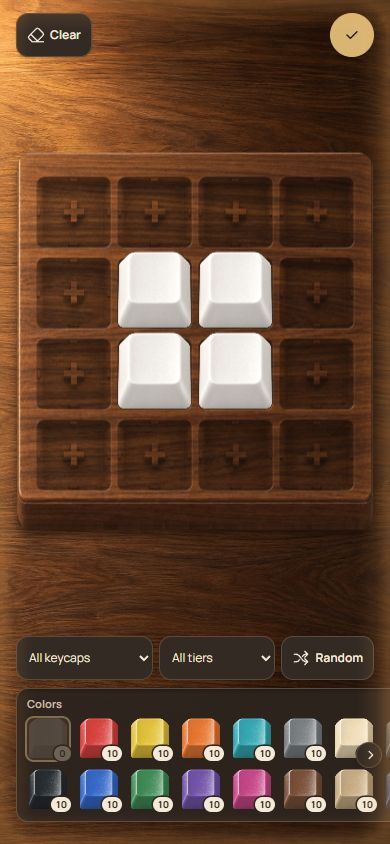
Arrange shows your tray of keycaps under the board. Set them in any space, move them around, clear the board, or let Randomize fill it from the keycaps the tray is showing. Filters narrow the tray to one family or one rarity. Spaces you leave empty stay closed and quiet in play.
A board can be any size from 4 × 4 to 8 × 8. You start with one board and can keep up to 4: board 2 opens when you have collected 20 different keycaps, board 3 opens when you have collected 50 different keycaps, board 4 opens when you have collected 100 different keycaps. Each board keeps its own size and layout.
Moods and sound
A mood changes the room around the board: the background, the board plate, the colours and the light. There are 25, and each one shows what opens it. See every mood.
Sound decides what typing keycaps play: one of 9 switches, from smooth Linear to the strike of a typewriter. Material keycaps with a sound of their own keep it whatever you choose, and you can set every keycap to play the same sound if you prefer. Listen to every switch.
Night lighting
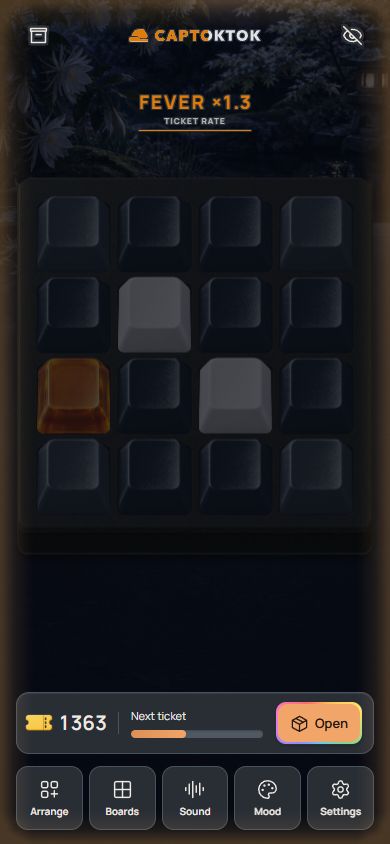
Night lighting dims the room and lights each key from below as you press it. Glow keycaps shine softly in the dark, and stained glass and emoticon keycaps light up when pressed. The light pattern decides how far a press spreads:
- Key
- Just the key
- Ripple
- Rings outward
- Cross
- Row and column
Every pattern starts from a press and fades back to dark. With reduced motion turned on in your device settings, only the key you press lights.
Saving and devices
Progress saves on your device after every change, with nothing to sign up for. Signing in with Google in Settings › Cloud save keeps a copy online, so you can carry on from another phone or computer. If something goes missing, Settings › Help › Ask for help sends a request; signed-in players can ask for a restore from the copies the server received.
CAPTOKTOK runs in the browser on phones, tablets and computers. Add it to your home screen and it opens like an app, offline too, and updates itself the next time it is online.
Sharing a board
Share a board as a picture, or as a link. Whoever opens the link gets 30 taps on your board in their browser, with nothing to install.
Playing fair
CAPTOKTOK is made for people playing at a human pace. If the taps look like an auto clicker, play pauses until a person presses and holds a button for a moment. Nothing is taken away and nothing is reported; the pause only keeps tickets from being farmed.